 MomentMD
Live rendering, no preview pane
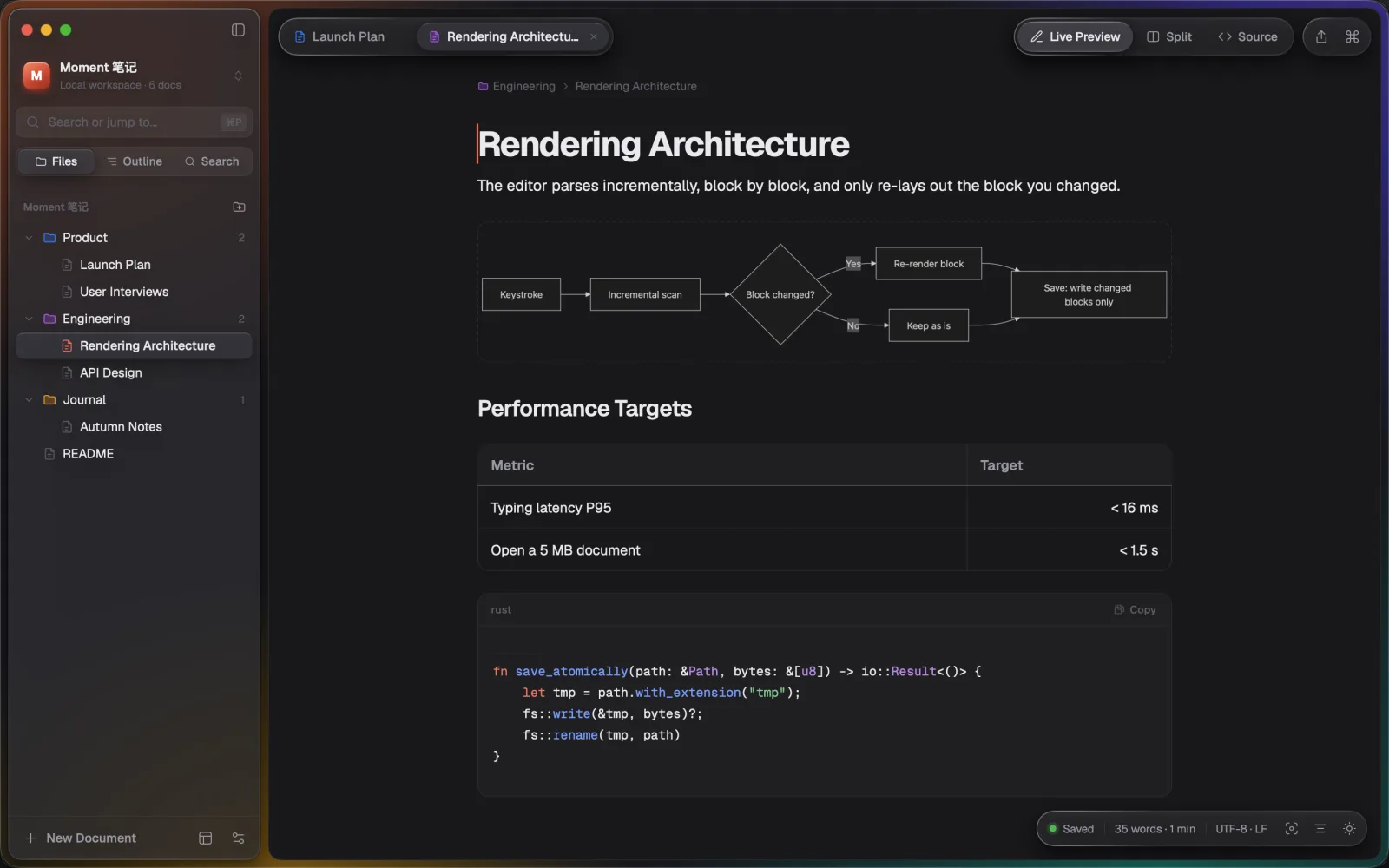
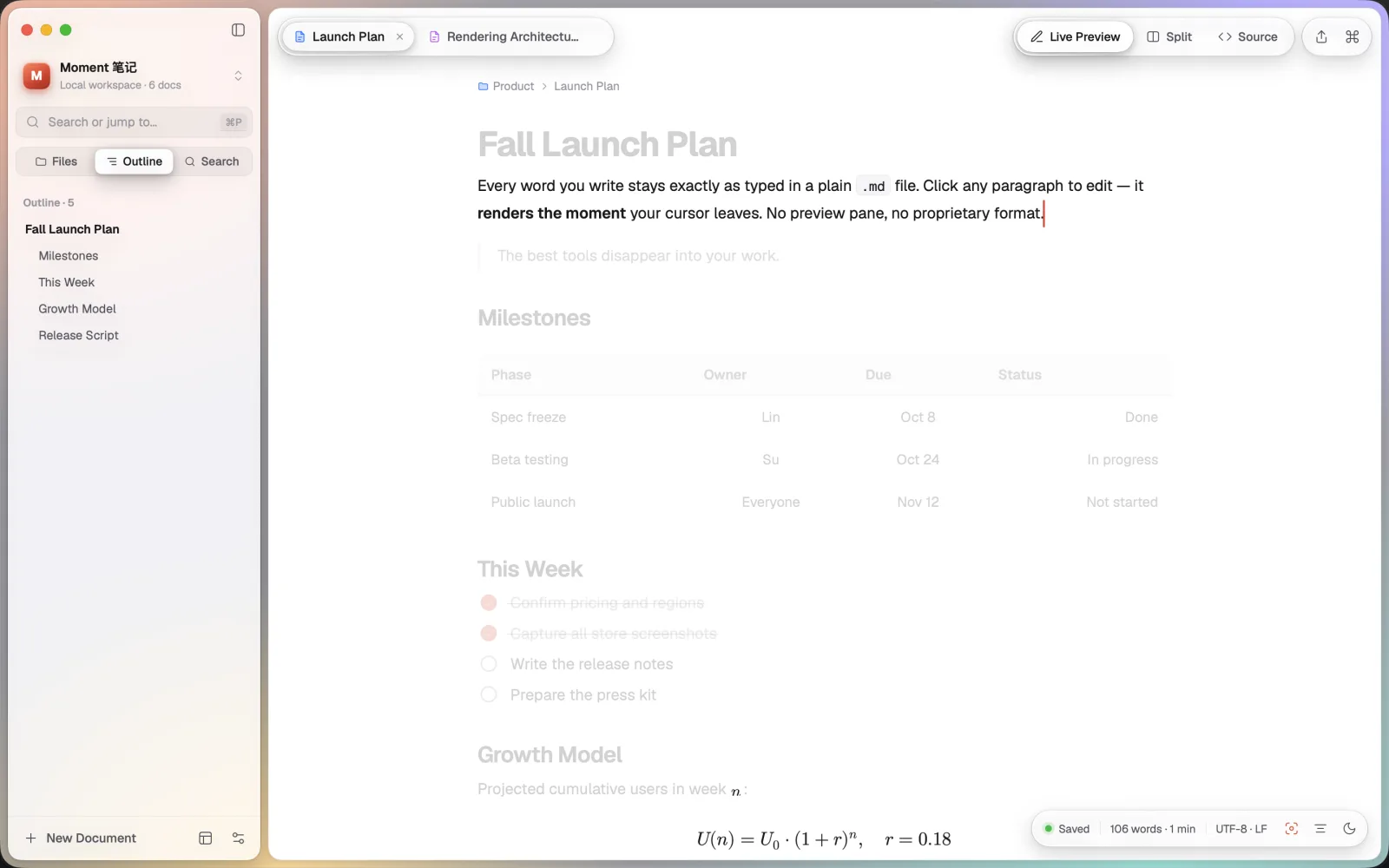
Headings, bold and links render as you type; tables, task lists, code blocks, math and Mermaid diagrams appear right in the text. Move the cursor away and the syntax folds away.

A Markdown editor built for macOS
Type ## and it becomes a heading. Syntax appears only in the block your cursor is in. Open and save — untouched text never changes by a single byte.
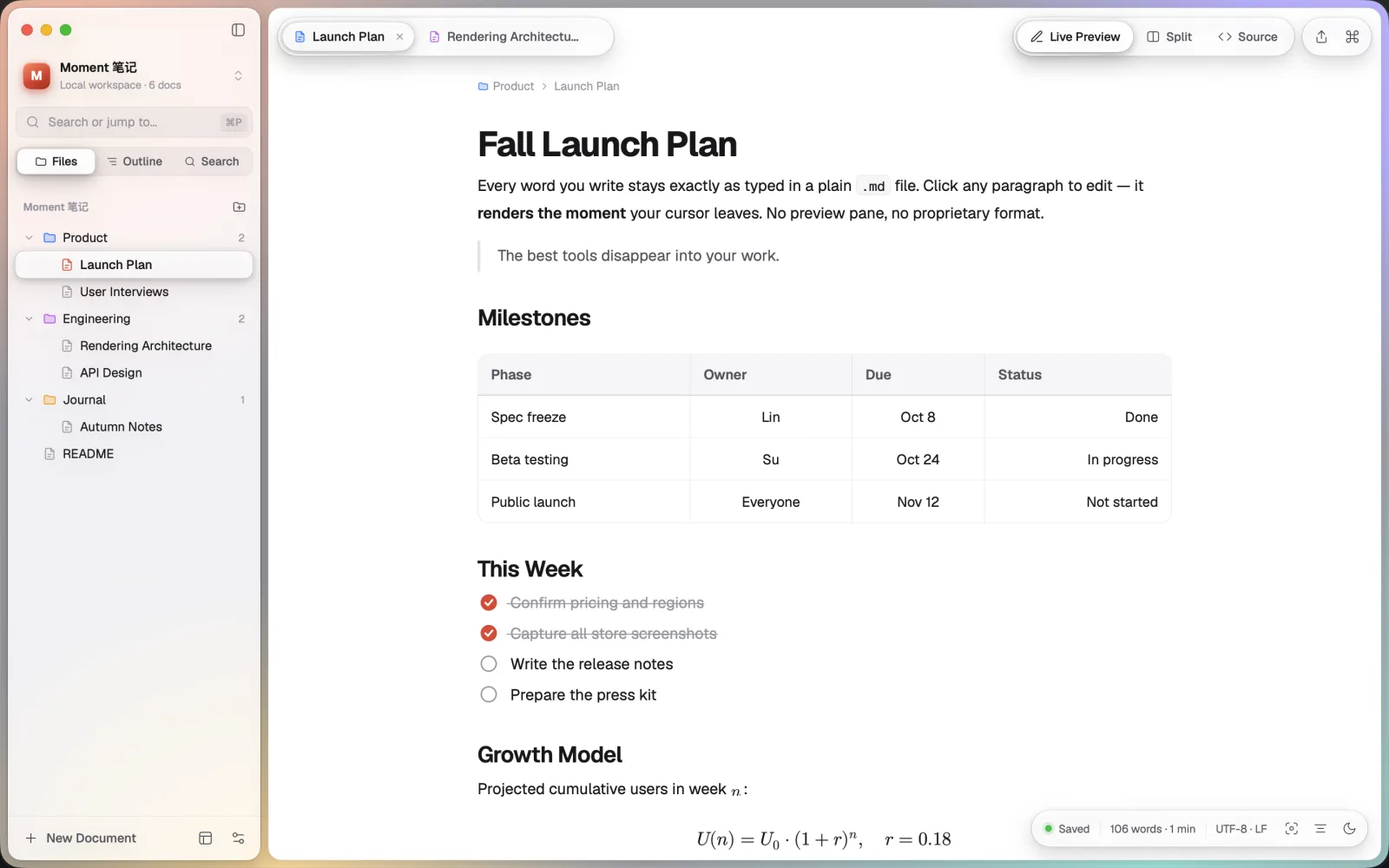
Headings, bold and links render as you type; tables, task lists, code blocks, math and Mermaid diagrams appear right in the text. Move the cursor away and the syntax folds away.
Only the blocks you changed are written back. List markers, table spacing, blank lines, line endings, encoding (UTF-8, GBK, UTF-16) and BOM are preserved, so your Git diff shows only your edits.
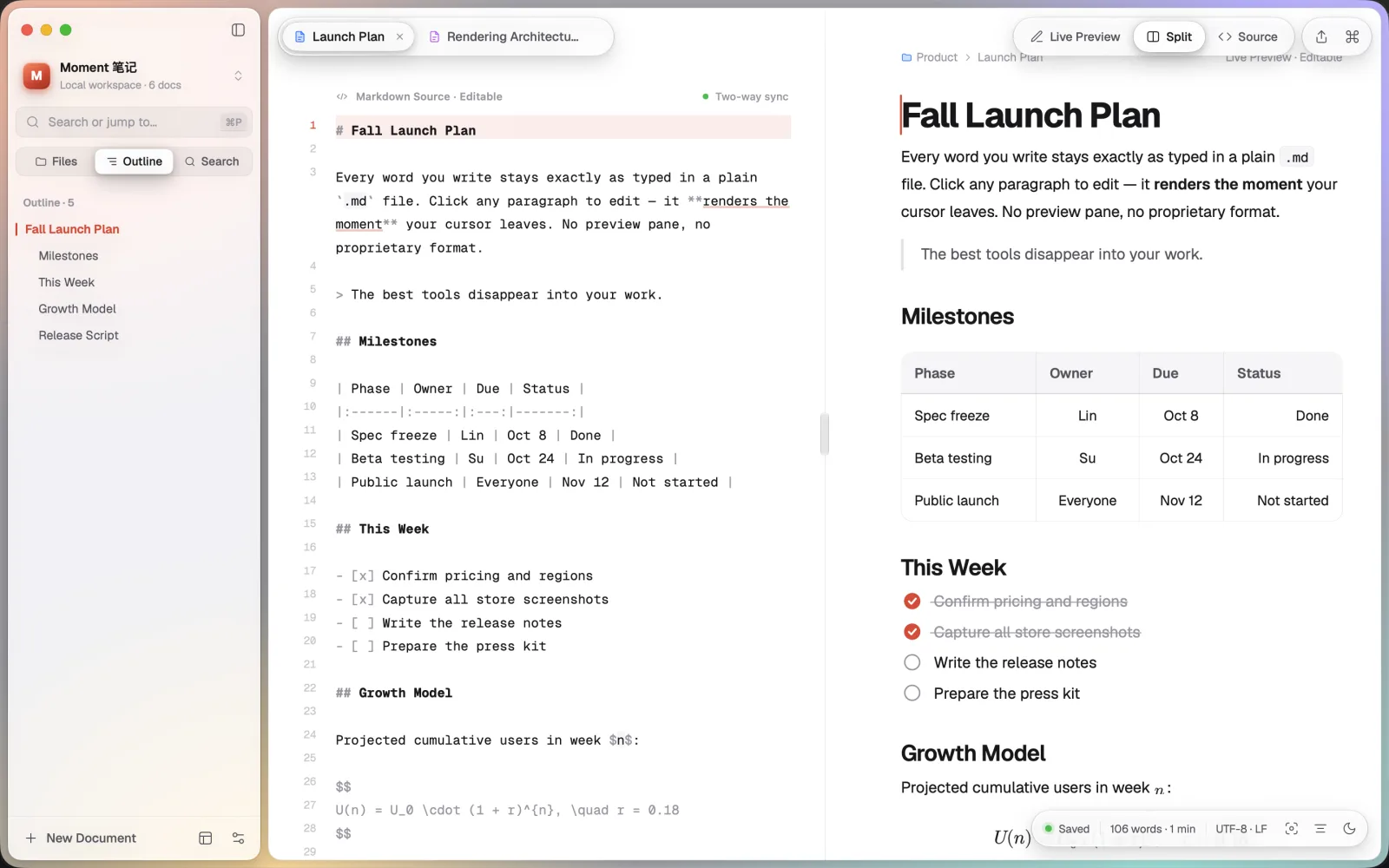
Live Preview, Split (source on the left, rendered on the right — edit either side, kept in sync) and Source. Switch with ⌘/ and keep your place.
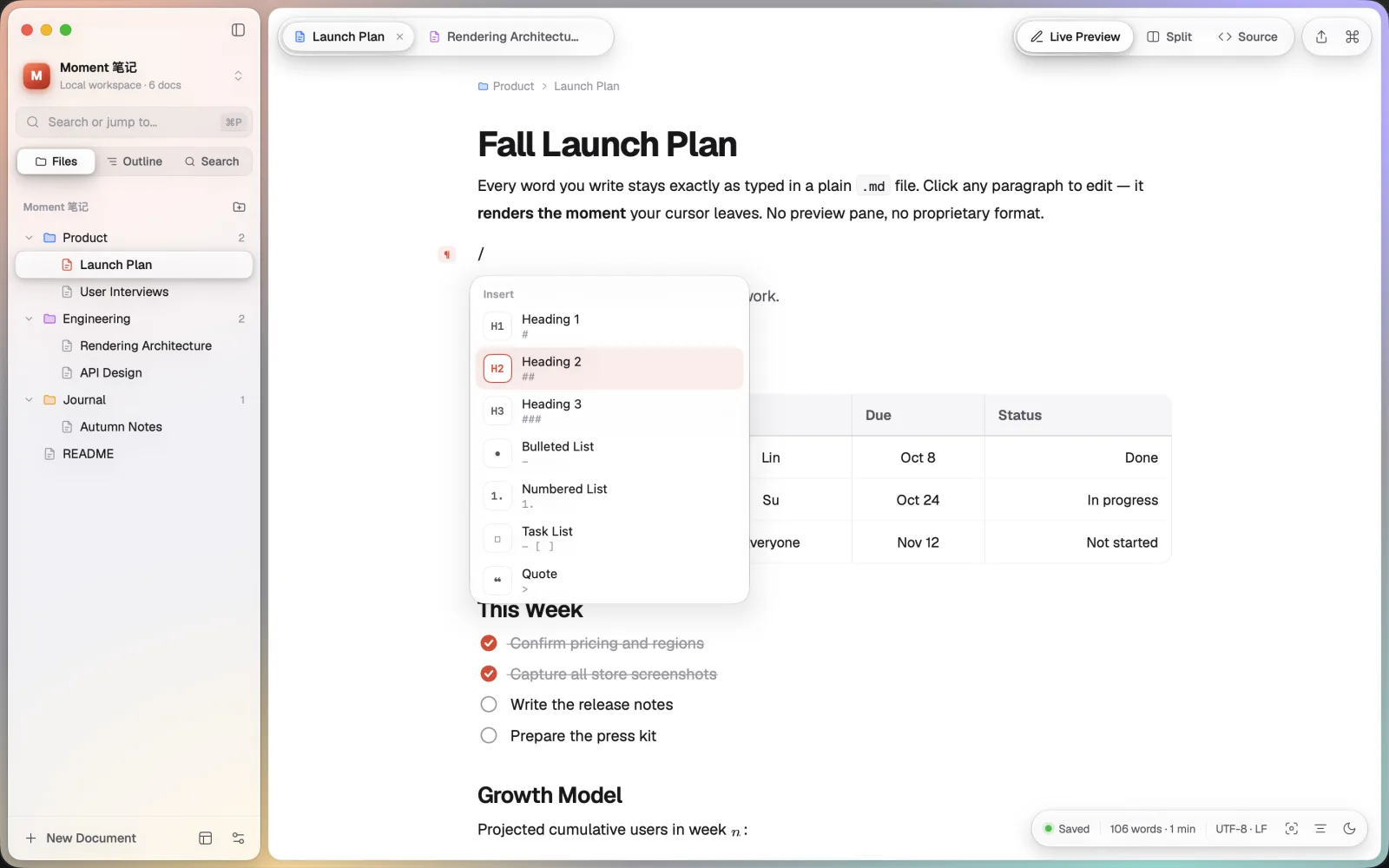
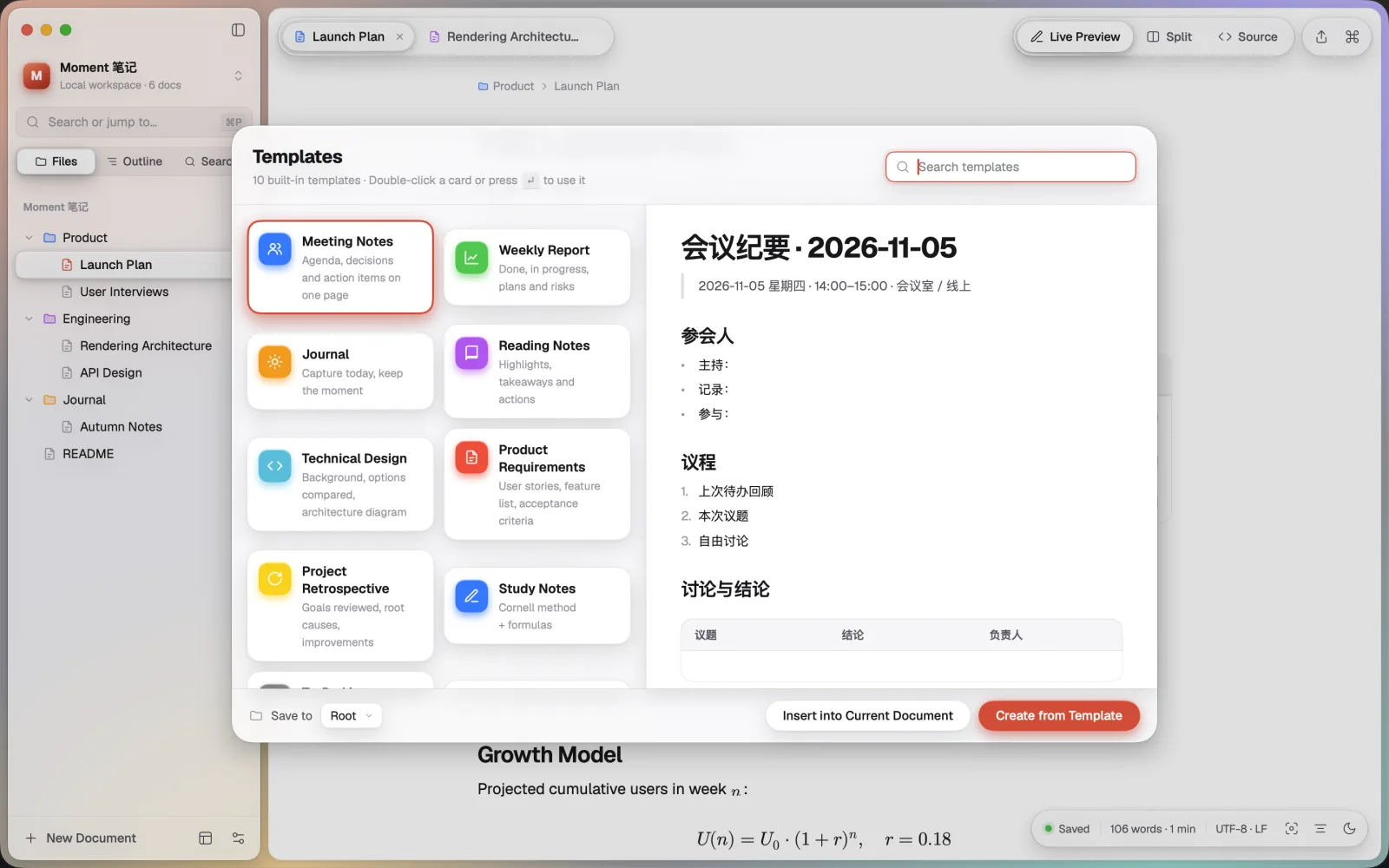
Type / on an empty line to insert anything; right-click Quick Insert; a floating format bar for selected text; edit tables cell by cell and drag to resize columns; 10 built-in templates.
Open any folder on your Mac and organize with groups, colors and drag and drop. No private database, no hidden metadata. Autosave, crash recovery and external-change detection.
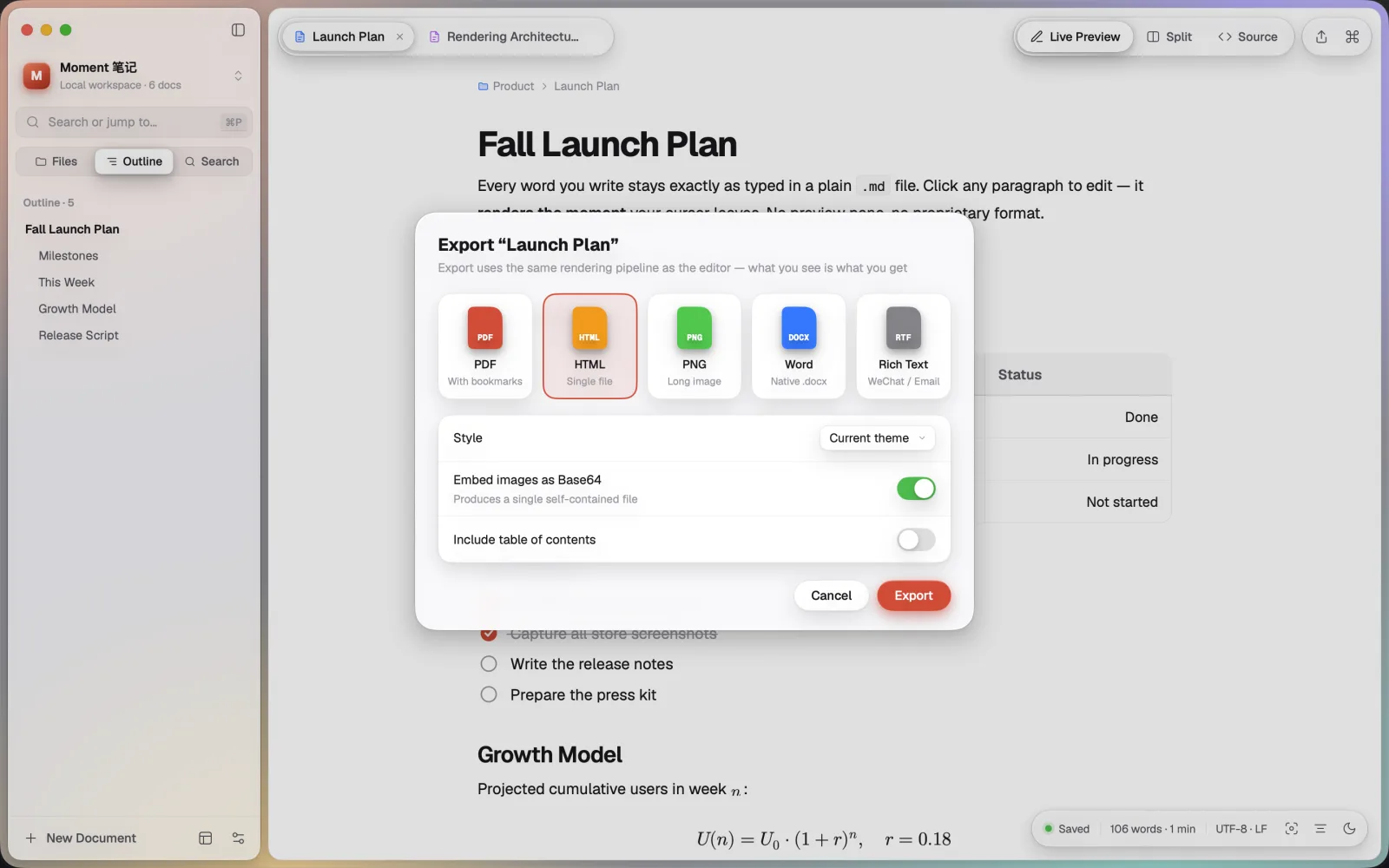
PDF with bookmarks, single-file HTML, long PNG image, Word (.docx), or copy as rich text for email and publishing platforms.
$…$ and display $$…$$ math render as you type; export to PDF when you're done.Real screenshots of the app.
No account, no analytics, no ads. Your documents stay where you put them, and MomentMD never sends them anywhere.
Read the privacy policy →Need help? The FAQ covers opening folders, autosave, whether saving changes your formatting, where pasted images go, export, crash recovery and more. Can't find an answer? Email us.
Please include your MomentMD and macOS versions. We usually reply within two business days. · Release notes →